Contents
Summary
The environment \starthanging ... \stophanging is used to hang the start of a paragraph of text around an object in the style of a drop-cap.
Settings
| \starthanging[...=...,...]{...} ... \stophanging | |
| distance | dimension |
| n | number |
| location | left right |
| {...} | content |
| Option | Explanation | ||||||
|---|---|---|---|---|---|---|---|
| distance |
|
||||||
| n |
|
||||||
| location |
|
||||||
| {...} | The content to hang the text around. Typically an image but could be anything framed, for example. | ||||||
Settings argument
Description
Examples
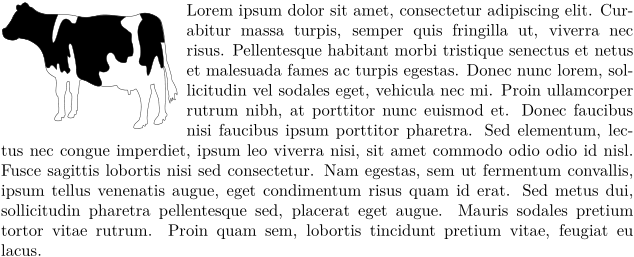
Example 1
-
\starthanging[left]{\externalfigure[cow.pdf][width=3cm]}
\samplefile{lorem}
\stophanging
-
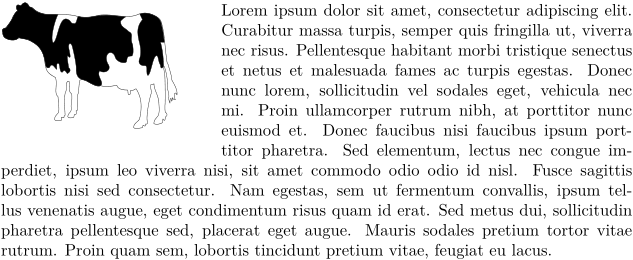
Example 2
-
\starthanging[location=left,n=8,distance=6ex]{\externalfigure[cow.pdf][width=3cm]}
\samplefile{lorem}
\stophanging
-
Notes
See also
- spac-ver.mkiv
-
\placefloat
The
leftandrightoptions. - \startfiguretext Another way to wrap text around a figure.
- \placeinitial Drop caps