Contents
Summary
Use \somenamedheadnumber to access a section number (expandable).
Settings
| \somenamedheadnumber{...}{...} | |
| {...} | section |
| {...} | previous current next first last |
| Option | Explanation |
|---|---|
| name of the section level e.g. “chapter” | |
Description
Examples
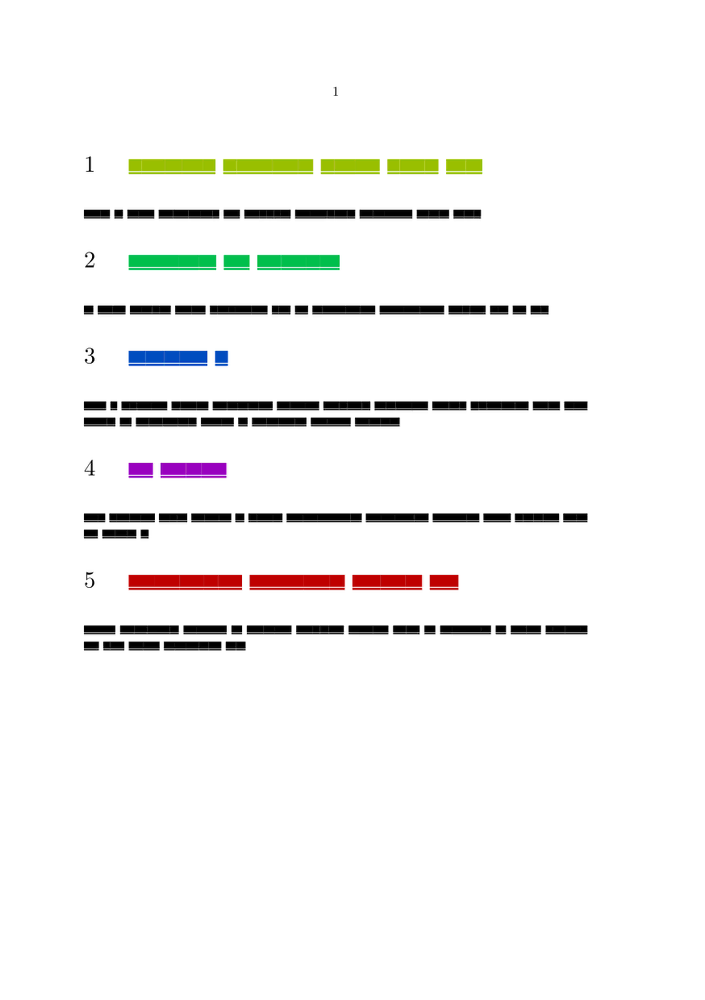
chapter color
-
\usemodule[visual]

\startsetups[MyChapterSetup]
\definecolor[MyChapterColor][h={\the\numexpr 360*\somenamedheadnumber{chapter}{current}/\somenamedheadnumber{chapter}{last}\relax},s=1,v=.75]
\definecolor[fakerulecolor][MyChapterColor] % for \fakewords
\setuphead[chapter][color=MyChapterColor]
\stopsetups

\unexpanded\def\MyChapter#1{
  \setup{MyChapterSetup}
  \color[MyChapterColor]{#1}
}

\setuphead[chapter][page=no,textcommand=\MyChapter]

\starttext

\dorecurse{5}{
\chapter{\fakewords{1}{5}}
\fakewords{10}{20}
}

\stoptext
-
Notes
See also
- strc-sec.mkiv
- \someheadnumber (not expandable)