Contents
Summary
The command
\godown
is used to move vertically.
Settings
Description
Skipping more than one vertical space is done with
\godown
.
This is like \blank, but with an explicit dimension.
Examples
Example 1
-
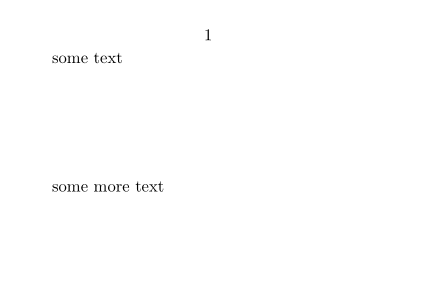
\setuppapersize[A8,landscape]
\starttext
some text
\godown[2cm]
some more text
\stoptext
-
Example 2
-
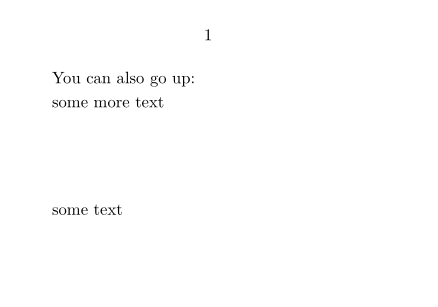
\setuppapersize[A8,landscape]
\starttext
\hbox{}
You can also go up:
\godown[2cm]
some text
\godown[-2cm]
some more text
\stoptext
-