Contents
Summary
The command
\clip
is used for showing only parts of an object.
Settings
Description
\setupclipping
[nx=,ny=]
specifies that
\clip
should pretend that the picture is cut into
nx
by
ny
pieces.
\clip[x=,y=]
then displays the piece at row
x
and column
y
, counting from the top left.
Examples
Example 1
-
% Tell ConTeXt where to find the windmill picture
\setupexternalfigures[location={default}]

%
\setupclipping[nx=3,ny=3]

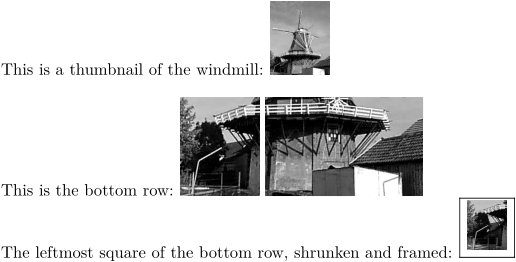
This is a thumbnail of the windmill:
\externalfigure[mill][width=1cm]

\blank[line]

This is the bottom row:
\hbox{%
    \clip[x=1, y=3]{\externalfigure[mill]} % <-- space between clips
    \clip[x=2, y=3]{\externalfigure[mill]}% <-- no space between clips
    \clip[x=3, y=3]{\externalfigure[mill]}
}

The leftmost square of the bottom row, shrunken and framed: \framed{
  \scale[sx=0.5,sy=0.5]{\clip[x=1, y=3]{\externalfigure[mill]}}
}
-
Example 2
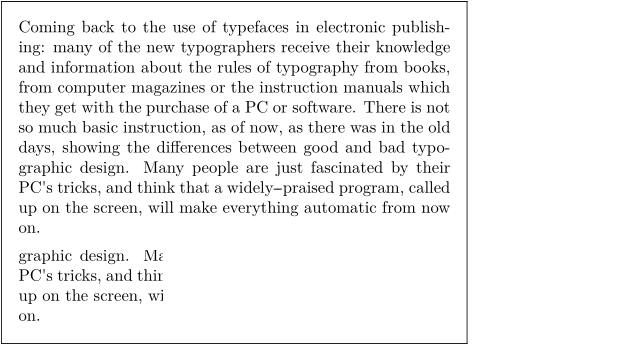
It's not just figures that can be clipped:
-
\startframedtext[frame=on]
\vbox{\input zapf }
\blank
\clip[nx=3,ny=3,x=1,y=3]{\vbox{\input zapf }}
\blank
\stopframedtext
-